


The growing consumer demand for bigger, better, and faster results means business leaders must walk a fine line between fostering innovation at speed and maintaining quality control. Developers now grapple with shifting feature delivery, compliance mandates, and business needs that lead to an ever-expanding codebase. If they don’t have time to optimize code in the moment, dev teams could end up with a library of outdated, confusing code that slows down updates and repairs.
Instead, dev teams can use automated code refactoring tools to reduce technical debt and enhance maintainability in these codebases. But what’s code refactoring, and how can teams pick the right tool? Read on to learn more.
What Is Code Refactoring?
Code refactoring is the process of restructuring source code without changing its external functionality or behavior. Instead, code refactoring aims to reduce unnecessary complexity and improve standardization so teams can collaborate better on future updates.
Code refactoring commonly includes:
- Simplifying method signatures
- Extracting repeated logic into functions
- Reorganizing files
- Optimizing structure
- Renaming identifiers
Teams refactor code by tackling code smells, or surface-level issues in code that often point to deeper problems. Common code smells include redundant logic, long methods, and poorly named variables.
What Are Code Refactoring Tools?
Manual code refactoring is a time-consuming process, so most teams rely on automation for support. Code refactoring tools are often found in integrated development environments (IDEs) that simplify repetitive restructuring tasks. Teams can deploy these software tools across large codebases to analyze code smells and reduce time spent manually fixing outdated code.
The most effective code refactoring processes involve human review. However, refactoring tools strengthen engineering workflows best when they include features like:
- Automated cleanup solutions
- Intelligent code completion
- Static analysis
- Chatbots
- AI code refactoring
Why Does Code Refactoring Matter?
Code refactoring isn’t just another compliance process to add to the tech stack. Adding refactoring gives software engineers tangible benefits for long-term success. Instead of letting shortcuts pile up, teams can iterate their tuning to keep code in line with the latest requirements, architectures, and security expectations.
Here’s a closer look at some of the reasons code refactoring should be part of your team’s standard workflow:
- Simplified scalability: Clean, modular code is simpler to rewrite and extend as demand grows, new features ship, and backend services are added or removed. When components have clear boundaries, teams can scale specific services without destabilizing the rest of the system.
- Improved code quality: Refactored code is easier to read, debug, and maintain. This can shorten onboarding time for new developers and improves reusability. Clear naming and consistent patterns also make code reviews faster and more effective.
- Enhanced maintainability: Reducing code smells and structure complexity decreases bugs over time because there are fewer loose threads. This makes it easier to consistently apply best practices across repositories and teams. It also gives developers more time to focus on new features instead of trying to keep up with patching demands.
- Reduced technical debt: Regular refactoring prevents minor issues from spiralling into bigger ones that take more resources and effort to fix. Left unchecked, poor code quality can lead to risky rewrites and even disrupting operations. Paying down technical debt in increments through refactoring frees developers and security teams for more proactive approaches to development.
- Stronger security landscape: High-quality code is secure code. Not all bugs lead to vulnerabilities rather than quirky outputs, but many still pose security risks. Well-defined data flows and responsibilities and consistent standards help security teams spot anomalies, misconfigurations, and unsafe patterns during reviews.
When refactoring becomes a standard part of the development process, engineering leaders can improve their team’s balance of delivery speed with reliability and risk management.
Top 7 Code Refactoring Tools
There are a lot of great code refactoring tools on the market, but the best one for your organization depends on your specific needs and goals. Prioritize compatibility and team experience to reduce the risk of steep learning curves or potential misconfigurations and disruptions.
Here are some of the top tools you can use to start your search.
1. IntelliJ IDEA
JetBrains, the company behind IntelliJ IDEA, estimates that it owns 78% of the Java developer market. The company prioritizes code quality, productivity development, and security in its user-friendly code refactoring tool. It isn’t the cheapest software, but many of its additional features—such as structural searching and a Git integrator—make it worth the money.
Best for: Enterprise teams building or maintaining Java-based applications with a strong code analysis, user-friendly context menu, and automatic code refactoring.
2. ReSharper
ReSharper for Visual Studio is another JetBrains product, but this one was created for .NET developers using C#. Teams at enterprises like BMW, Expedia, and Walmart rely on ReSharper to help with rewrites and code maintenance. While it generally improves the Visual Studio experience, Visual Studio isn’t always a coder’s environment of choice, so ReSharper is limited by the software it works with.
Best for: .NET teams who use Microsoft Visual Studio for working on complex software systems that need consistent refactoring across interconnected projects.
3. Visual Studio Code
Visual Studio is one of the most popular IDEs—and it’s free. That makes it a strong option for small dev teams and startups that need accessibility and flexibility at low cost. One reason some developers prefer not to use ReSharper is because they claim it only replaces code editing features already present in Visual Studio Code. Developers often use Visual Studio Code to adjust method signatures and get suggestions from AI tools like GitHub Copilot.
Best for: Teams working in multiple programming languages that need one tool that is effective for Python, JavaScript, TypeScript, and several others.
4. PyCharm
PyCharm is another JetBrains product with a high adoption rate among developers. It’s an AI-powered IDE for Python that lets programmers focus on code and data while the tool handles the repetitive parts. Over the years, Visual Studio Code has caught up to some of PyCharm’s more exclusive features, but many developers still use and prefer the JetBrains product.
Best for: Engineering groups building data-heavy or service-oriented Python applications that depend on robust version control and reliable refactoring.
5. SonarQube
This refactoring tool is a leader in continuous static code analysis. SonarQube specializes in pinpointing code smells, technical debt, and security vulnerabilities. Dev teams use it to run automated checks before commits to find code coverage gaps and security flaws. It currently exists in open source and cloud formats, but the cloud format is much more up-to-date with industry needs and security compliance.
Best for: Development teams that want to refactor code with a focus on security throughout the entire software development lifecycle (SDLC).
6. PhpStorm
If you want JetBrains IDE to work on PHP, JavaScript, and cross-language work, PhpStorm is likely a good fit for you. This AI-powered IDE includes features like code completion, offline mode, and a coding agent, but the intelligence is lacking compared to other programs. PhpStorm’s model doesn’t yet comply with API and security standards, and it isn’t as powerful or accurate as other AI coding models.
Best for: Organizations with established PHP web development infrastructure, such as WordPress and other modern frameworks, who don’t need all the latest features.
7. Eclipse IDE
If your team is enthusiastic about open source technologies, Eclipse offers a global community alongside its developer tools and IDEs. It has an extensive plugin ecosystem, including strong integrations with build tool environments like Gradle and Maven. It’s a strong option for collaboration-forward teams with its multi-project workspaces, which rival enterprise systems like IntelliJ IDEA, but it isn’t the sleekest technology right now.
Best for: Organizations with established Java infrastructures that need flexible, open-source tooling to support long-term maintainability.
Code Refactoring Best Practices
While refactoring can bring a wealth of benefits to your business, its effectiveness depends on how well you manage the process. Following these best practices can help you implement safe and effective engineering principles:
- Set clear objectives: Before making any structural changes, identify what you’re improving, reducing, or maintaining.
- Refactor in small batches: Incremental changes are much easier to execute and track, which is especially important for complex software systems.
- Embrace automation: Eliminate repetitive tasks and ensure consistent output using automated tools and IDE-assisted applications.
- Remove duplication: Repeated logic should be consolidated into shared functions and components to prevent bugs or confusion in future updates.
- Align with security best practices: Security begins at the code level, so incorporate secure coding standards into both initial coding and refactoring.
- Code in pairs: Whether you code with an AI assistant or a human team member, coding in pairs provides learning opportunities and can enforce better standardization.
Complement Code Refactoring With Legit Security
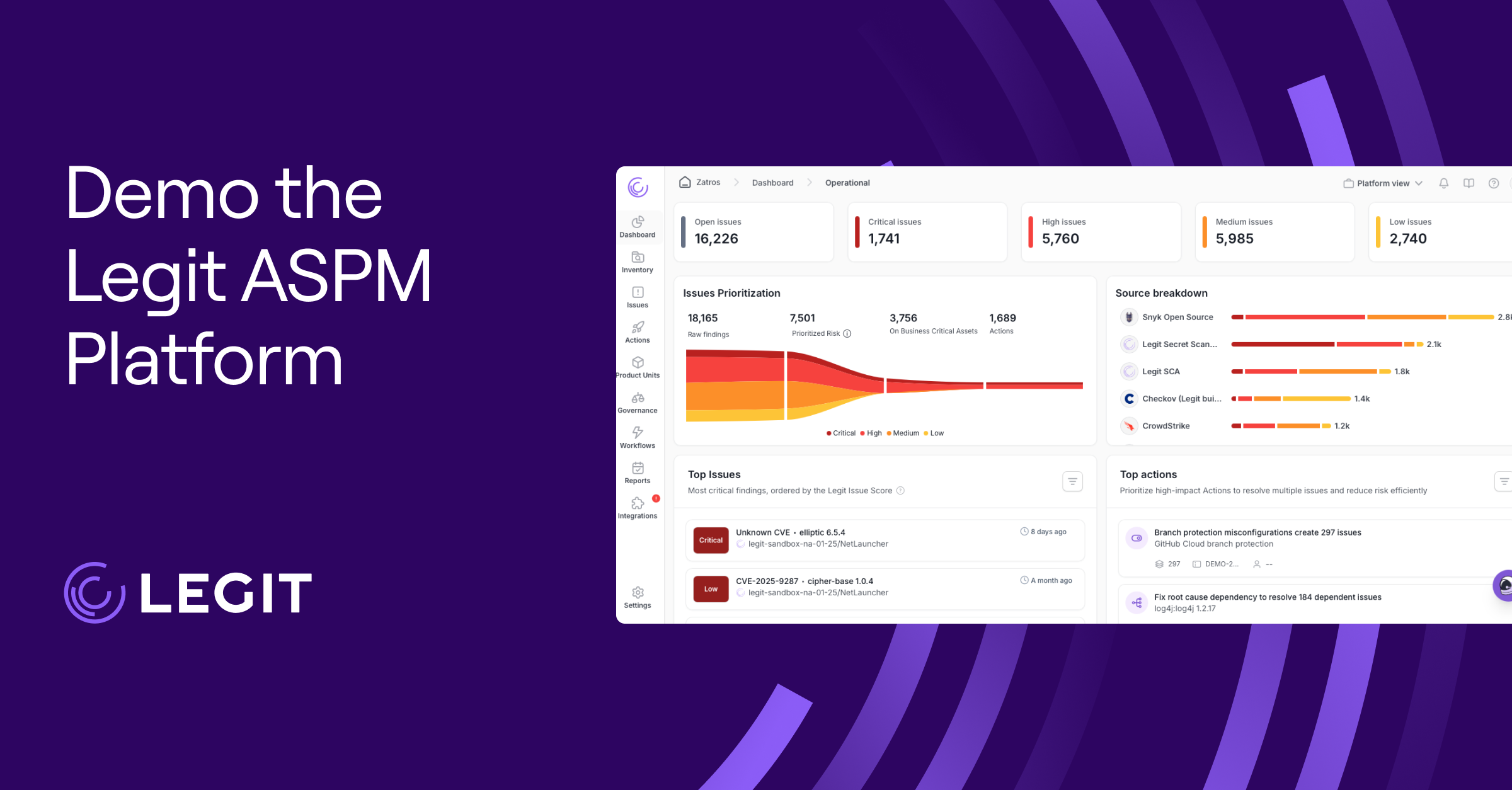
Legit Security’s AI-powered application security posture management (ASPM) platform complements your organization’s code refactoring process. It can also enhance your efforts by ensuring that security is integrated into every stage of development.
Legit bridges the gap between code quality and security by ensuring that refactored code remains compliant, secure, and aligned with best DevSecOps practices.
Request a demo to see it in action.
Download our new whitepaper.